


Master Amazon Ads SOP
Review one SKU at a time. Check its profitability and listing, build its advertising campaigns, then review performance before moving on to the next SKU.
Before you start
Connect the seller’s Amazon marketplace account to AiHello so you can review its business reports alongside its advertising data.
Retail readiness and listing review
- Unit session conversion
- >12%
- Listing images to review
- 8
Profitability and business reportsSteps 1–7
- Find Top SKU and take one SKU from the list
- Do Profit Analysis for SKU
- Update Costs in Product Table on AiHello Skip this step for now.
- Calculate TACOS for business reports
- Enter Real profit in products table on AiHello Platform Skip this step for now.
- Business Reports: Check CTR Skip this step for now.
- Business Reports: Check CVR (Units Session %) Should be more than 12%. If it's less than 12% work on conversions
Listing assets and reviewsSteps 8–13
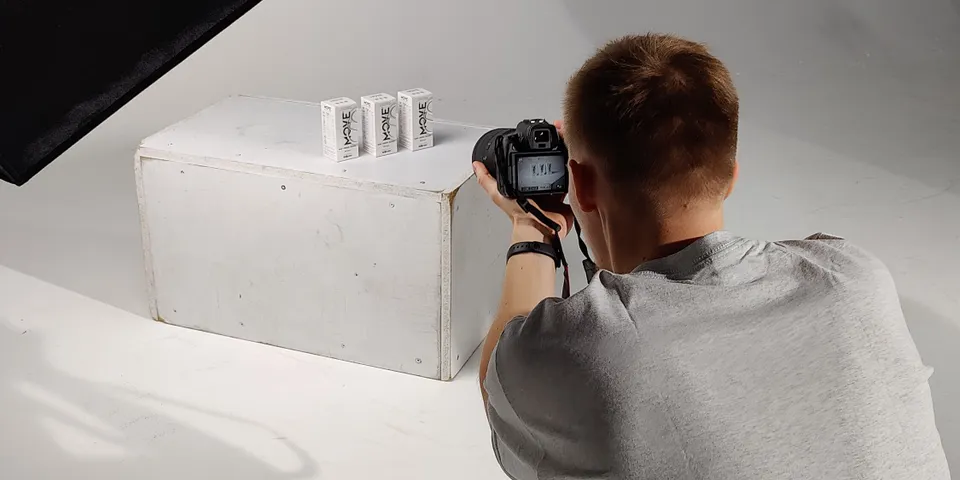
- Check Images 8 images. First image should be on white background. All high quality image
- Check Title
- Check Bullet Points
- Check Description
- A+/EBC Content
- Setup Email Review Service for this SKU
Sponsored Products campaigns
Build and connect campaignsSteps 14–19
- Create SP Auto Campaign
- Keyword Research
- Create SP Broad Manual Campaign
- Create SP Broad Phrase Campaign
- Create SP Broad Exact Campaign
- Link auto to manual campaigns
Review and optimize performanceSteps 20–23
- CTR of SP campaign for this SKU if CTR is low then work on high volume keywords
- CVR of SP campaign for this SKU If CVR is low then we have to work on CVR. This is a very big task. Go back to step 11 and work from there
- Optimize Keyword performance of all SP campaigns
- Optimize Targets performance of all SP campaigns
Product and category targeting
Competitor ASIN targetingSteps 24–28
- Find Competitor targets
- Create Competitor ASIN targeted Campaigns
- Check CTR of ASIN target campaign Must be greater than 0.3%
- Check CVR of ASIN target campaign Must be greater than 12%
- Optimize ASIN target campaign
Category targetingSteps 29–33
- Find relevant categories
- Create relevant category targeted Campaigns
- Check CTR of category campaign Must be greater than 0.3%
- Check CVR of category campaign Must be greater than 12%
- Optimize category campaign
Sponsored Display, Brands and video
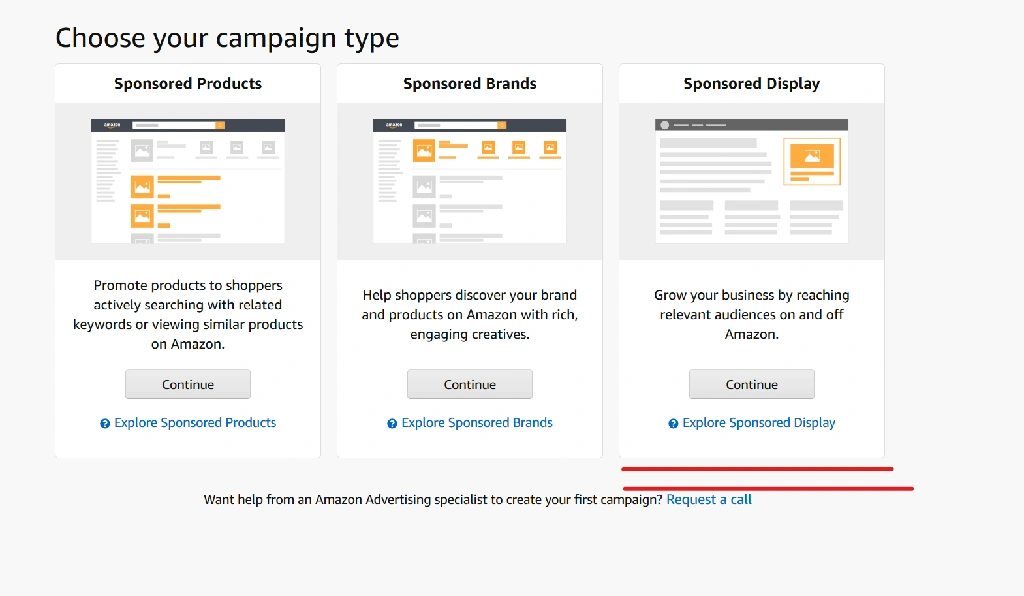
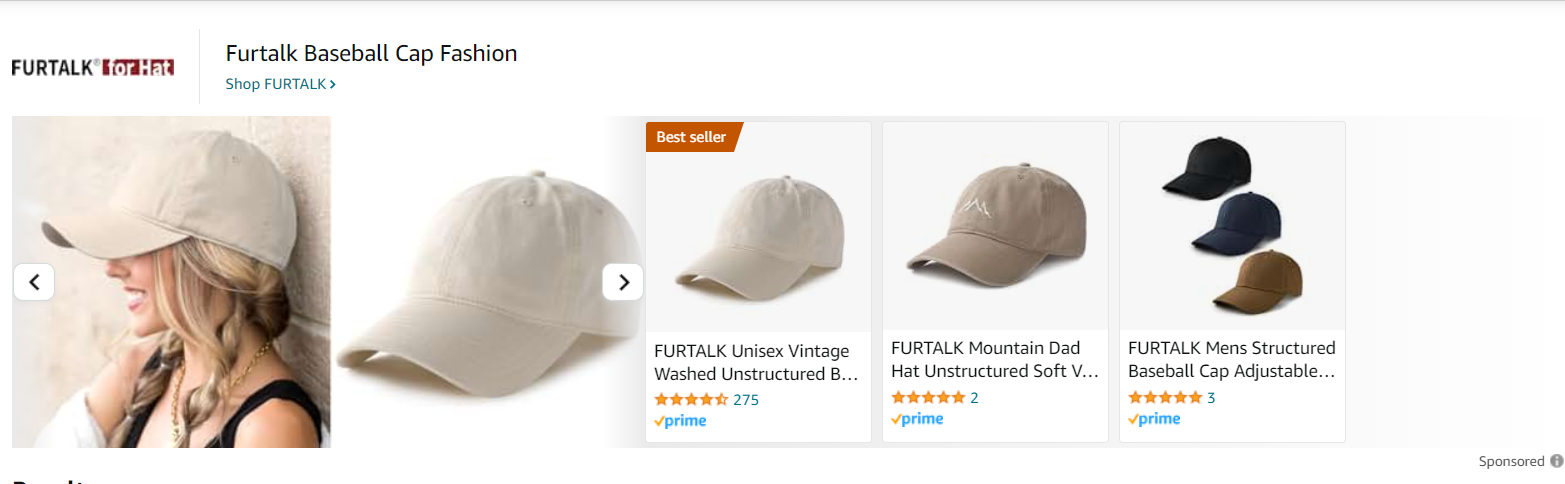
Sponsored DisplaySteps 34–37
- Create Sponsored Display Images/Banners
- Create Sponsored Display Ads
- Check CTR of SD campaign Must be greater than 0.3%
- Check CVR of SD campaign Must be greater than 12%
Sponsored BrandsSteps 38–40
- Create Sponsored Brand Campaigns
- Check CTR of SB campaign Must be greater than 0.3%
- Check CVR of SB campaign Must be greater than 12%
Sponsored Brands videoSteps 41–44
- Create Ad videos
- Create Sponsored Brand Video Campaigns
- Check CTR of SB Video campaign Must be greater than 0.3%
- Check CVR of SB Video campaign Must be greater than 12%
Brand website and follow-up
Brand website handoffSteps 45–47
- Copy product to external brand website
- Optimize listing on brand website
- Any other task
Account, shipment and brand website tasks
Account
- Connecting marketplace
- Creating Store
- Troubleshooting
- Product Sourcing
Shipment
- Creating shipment
- Trouble shooting shipment
Brand website
- Create brand website
- Setup smart fulfillment
- Setting up AdHaste advertising network